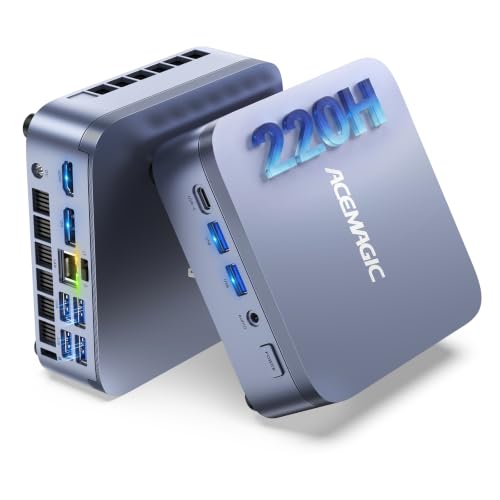
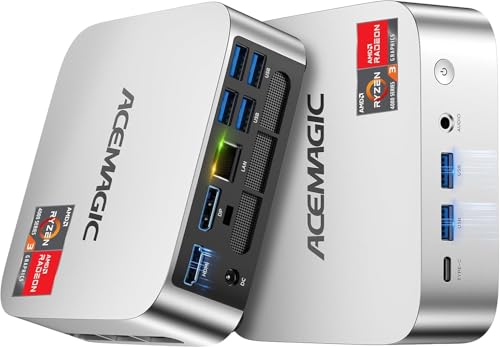
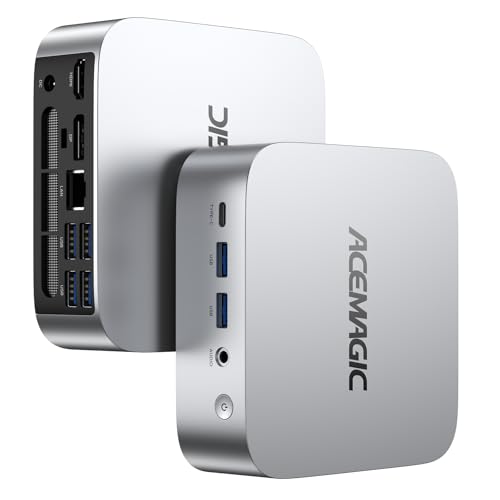
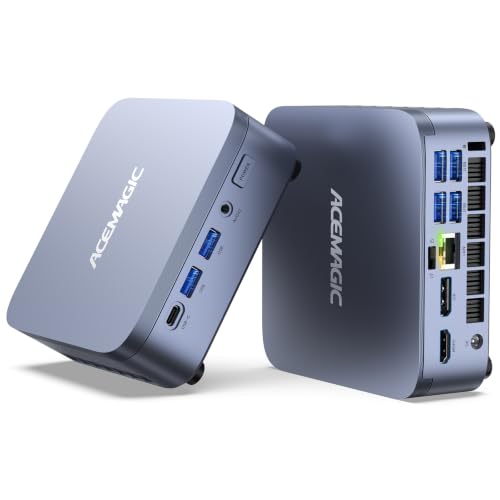
Choosing an ACEMAGIC mini PC centers on matching compact computing power to your workspace or home office needs. ACEMAGIC offers various models with differing CPUs, memory, and connectivity. Whether you seek a slim device for productivity or an entry-level entertainment hub, comparing specs and configurations ensures you get the right performance per dollar for your specific demands.
Evaluating Core Specifications
When considering an ACEMAGIC mini PC, start by narrowing down the processor type and generation, as this has the greatest impact on daily performance and overall lifespan. Look for clear listings of the exact CPU model, such as Intel Core i5-1235U or AMD Ryzen 5 5600U. Verify core count, base and boost clock speeds, and integrated graphics, which differ significantly by model family.
Next, assess available memory and storage. ACEMAGIC configurations commonly list 8GB or 16GB of DDR4 or DDR5 RAM. Storage may range from SATA SSDs to faster NVMe drives. Confirm whether these components are upgradeable by checking if slots or bays are accessible, using the model’s manual or official datasheet. Official documentation details compatible memory or storage types and maximum supported sizes.
Checking Connectivity and Expansion
Mini PCs like those from ACEMAGIC often prioritize a compact footprint, so connectivity selection is crucial. Inspect the listings for port types and counts, such as USB-A, USB-C, HDMI, DisplayPort, or Ethernet. Noting Wi-Fi standard (such as Wi-Fi 6 versus Wi-Fi 5) matters if you require stable, fast wireless networking for your applications.
Also, account for monitor and peripheral compatibility. Some models offer dual or even triple display outputs. Check for SD card slots or audio jacks if relevant. For further expansion, see if the unit supports user-installable modules or M.2 slots for wireless upgrades. Product pages and spec sheets clarify these details; never assume all mini PCs offer the same connectivity suite.
Assessing Size, Noise and Cooling
The physical dimensions, cooling solution, and acoustics of an ACEMAGIC mini PC may affect placement and long-term satisfaction. Confirm the height, width, and depth if space is at a premium. Some models use passive or silent cooling for zero noise, while others include small fans.
Check product documentation and reviews for details about fan noise at idle and under load. Look for figures in dB(A) and thermal design descriptions. Decide whether passive cooling is required for your environment or if standard active cooling suffices. Prioritize silent designs for living room or bedroom use, but expect some performance compromises with completely fanless options.
Comparing Value and Upgrade Paths
To make a buying decision, compare multiple ACEMAGIC models in terms of dollars per compute capability for your workloads. Use a checklist: required CPU generation, RAM amount, storage type, essential ports, and size-to-fit requirement. Review warranty terms in the listing for peace of mind, and note that budget models may cut features like expandable RAM or NVMe slots.
When future upgrades are important, select models with socketed memory and an open M.2 slot. If storage or RAM is soldered down, you are locked in for the device’s lifespan. For value, avoid paying for more power or storage than you can use. New processor generations or wireless standards may justify waiting if your needs are not immediate.