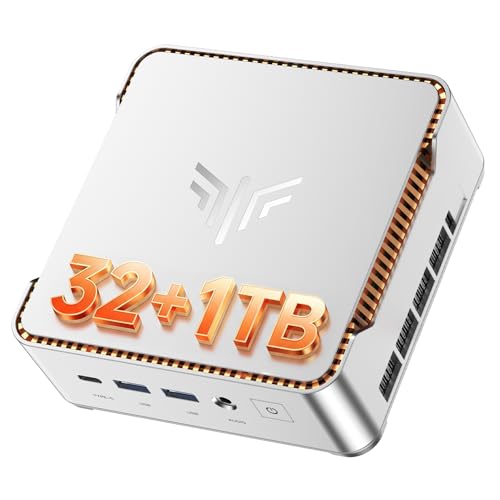
KAMRUI mini PCs Cyber Monday Deals 2026

Amazon.com · USDCyber Monday · November 30, 2026United KingdomDeutschlandFranceBlack Friday

Amazon Cyber Monday deals

As an Amazon Associate we earn from qualifying purchases. Prices and availability are accurate as of the time indicated and may change. The price and availability displayed on Amazon at the time of purchase apply.

Product and offerAmazon price
$409.99List Price $589.99Checked
Buy on Amazon
$284.99List Price $349.99Checked
Buy on Amazon
$332.49List Price $399.99Checked
Buy on Amazon
$249.00Typical price $298.99Checked
Buy on Amazon
$254.15Typical price $299.00Checked
Buy on Amazon
$595.99Typical price $645.99Checked
Buy on Amazon

Regular listings

Product and offerAmazon price
$189.00Checked
Buy on Amazon
$219.00Checked
Buy on Amazon
$269.00Checked
Buy on Amazon
$299.00Checked
Buy on Amazon
$469.00Checked
Buy on Amazon
$539.00Checked
Buy on Amazon
$599.00Checked
Buy on Amazon
$669.99Checked
Buy on Amazon

Other Amazon promotions

Buying guide

KAMRUI mini PCs deliver a mix of affordability and utility. Before buying on Amazon.com, validate the exact model, memory and storage configuration, and port lineup. This ensures your mini PC will match both your usage scenario and device requirements, making this Cyber Monday’s offer truly worthwhile.

Interpreting Model Numbers and Configurations

Each KAMRUI mini PC model number maps to a specific CPU platform, like Intel Alder Lake-N or earlier Celeron. For example, a KAMRUI AM06 may ship with varied RAM and storage options. Always double check the Amazon model string, as nearby listings could differ by just one letter or digit, resulting in different internals.

Product details and bullet points in each Amazon offer usually disclose RAM and storage. Read through both and use KAMRUI’s official PDF datasheets if you’re unsure whether a unit supports upgrades or comes with Windows preloaded, as offers can shift configurations during the sales weekend.

Memory, Storage, and Upgradability

Memory might be soldered or upgradeable via SO-DIMM, depending on model. Storage can be either M.2 PCIe or SATA: a KAMRUI AK1 typically supports a 2.5-inch SSD/HDD, but you should confirm the slot and interface in the Amazon technical section. Certain deals may bundle an extra drive or expansion kit; check for variations before checkout.

If planning to upgrade later, confirm tool-free access in reviews, and check whether removing the cover voids warranties. Install guides and real owner experiences in the product Q&A can help avoid mistakes. Always compare current and weekend listings for bundled storage or RAM swaps.

Ports, Accessories, and Connectivity

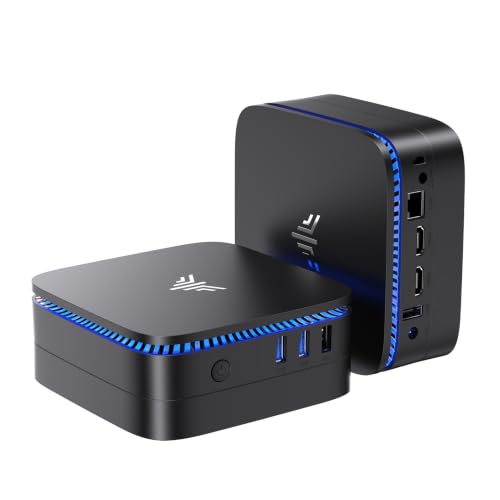
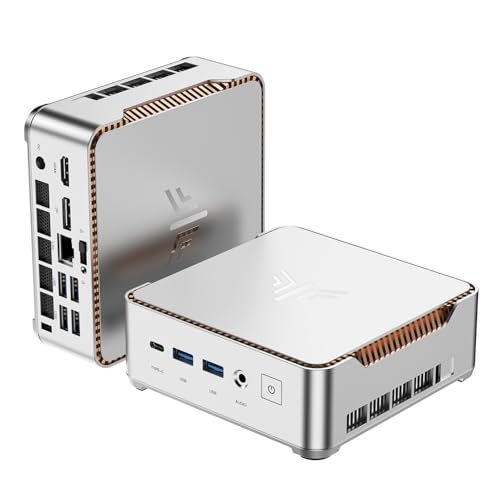
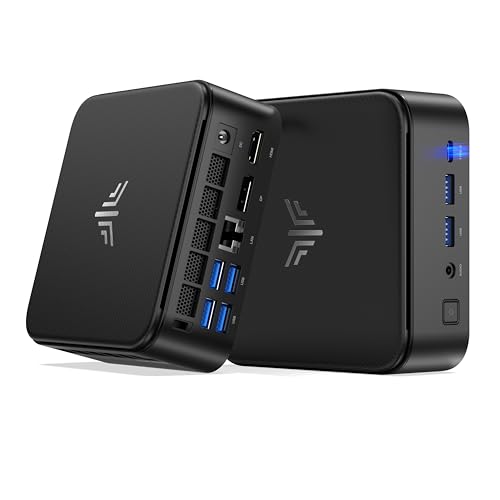
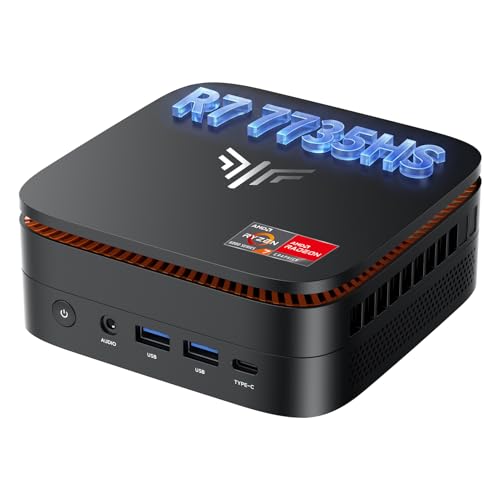
KAMRUI mini PCs may offer dual HDMI, USB-C, or SD card slots. Check the listing imagery to verify compatibility with your monitors or docking setup. Some models focus on budget USB-A outputs; if you need USB-C or extra ports, compare side-by-side with similar model numbers to find the right combination.

Include accessories in your decision, as a few KAMRUI listings include VESA mounts or HDMI cables. Read the fine print for which accessories are included for Cyber Monday versus regular listings. This can help avoid spending extra on basic connectivity parts.

Comparing Delivered Prices and Return Policies

Amazon.com prices may change hourly during the sales event. Document the total delivered price with taxes and compare it to the listing from the prior weekend—offers are often date-limited. If the special price or bundle expires, consider whether a certified refurbished unit fits your needs.

Return policy and support may be different for third-party or open-box units. Always read the “Returns and Support” tab before purchasing, especially if a mini PC deal changes after Cyber Monday. Document package contents for warranty claims.

Frequently asked questions

Can I add more RAM or storage to a KAMRUI mini PC?

Check the exact model number and examine both the Amazon listing and manufacturer’s documentation to see if RAM and storage are upgradeable or soldered.

How do I verify KAMRUI mini PC compatibility with my monitor?

Review all available port images and technical specs for video outputs, and check your monitor’s inputs. Use the model documentation for supported resolutions and refresh rates.

Related category guides

Browse all Cyber Monday categories