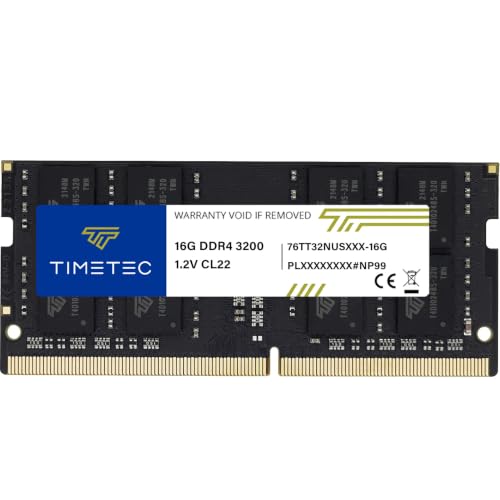
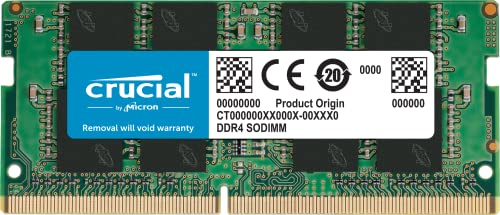
SO-DIMM RAM upgrades are a common way to get better performance from laptops, Mini PCs, and small form factor desktops. Use this guide to compare specific SO-DIMM memory models and decide when to buy on Amazon.com. Carefully match specifications, compatibility, and delivered costs before finalizing your Cyber Monday purchase.
Verify So-DIMM RAM Compatibility
Before purchasing SO-DIMM RAM on Amazon.com, confirm the exact model needed for your device. For example, a Lenovo ThinkPad E15 (Gen 2) requires DDR4 3200 SO-DIMM modules, not DDR3 or LPDDR4. Always check the user manual or manufacturer’s website for supported specs, such as memory type, speed, and capacity limits, to avoid buying incompatible modules.
Cross-check your current module, looking at the product sticker or using system tools like CPU-Z, to make sure you are matching the voltage and timings. Some devices require matched pairs for dual-channel operation. Buying incorrectly specced RAM can lead to failed boots or reduced system performance. Confirm the configuration before committing to a purchase during a flash sale.
Compare Key SO-DIMM RAM Features
Capacity, speed, and timings directly impact system performance. Compare 16GB (2 x 8GB) kits versus single 16GB modules if your device only has one slot accessible. For example, DDR4-3200 (PC4-25600) is common in 2020–2024 laptops; mixing different speeds usually results in fallback to the slowest module. Review listing titles for details like ECC (rare in laptops), rank, and total pin count before adding to cart.
For upgrades, consider workload. Heavier multitasking or productivity means 16GB or more is preferable over the common 8GB base. Read model codes in the listing photos and compare part numbers in the documentation. Not all models and platforms support higher-density modules, so reference the vendor’s QVL (Qualified Vendor List), where available, to confirm real-life fit.
Check Amazon Listings and Delivered Costs Carefully
Cyber Monday pricing on Amazon.com can vary by seller, configuration, and delivery method. Always compare the specific product’s offer page with weekend listing screenshots or notes. Watch out for shipping and tax differences that change your total at checkout. For example, a Kingston KVR32S22D8/16 16GB SO-DIMM might show several listings at slightly different prices between authorized and third-party sellers.
Double-check that the listing part number exactly matches your requirements, as fake or repackaged modules do appear. Confirm that "New" condition is not actually "Renewed" or "Open Box" in the fine print. After the offer expires, monitor if the delivered price changes back or drops again. New models may not always see the steepest discounts, so compare age and lineup position.
Decide When to Buy or Wait for Later Stock
If you spot the right SO-DIMM RAM at a solid delivered price and a well-reviewed seller, consider buying. Inventory for niche capacities or older modules sometimes dries up. On the other hand, if you don’t see your exact part or the price isn’t much better than before, waiting for post-event restocks or price corrections could make sense.
For a worked example: upgrading a Mini PC with two 8GB DDR4-3200 SO-DIMM modules, check the board’s max supported memory and if dual-channel configuration is recognized. Weigh the value against speed increases when mixing new and existing RAM; sometimes buying a matching kit ensures best compatibility. Always keep your receipt and the unopened package in case you need to return after testing.