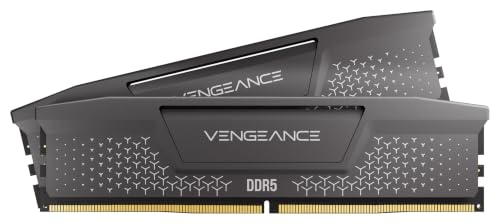
Desktop RAM Cyber Monday Deals 2026

Amazon.com · USDCyber Monday · November 30, 2026United KingdomDeutschlandFranceBlack Friday

Amazon Cyber Monday deals

As an Amazon Associate we earn from qualifying purchases. Prices and availability are accurate as of the time indicated and may change. The price and availability displayed on Amazon at the time of purchase apply.

Product and offerAmazon price
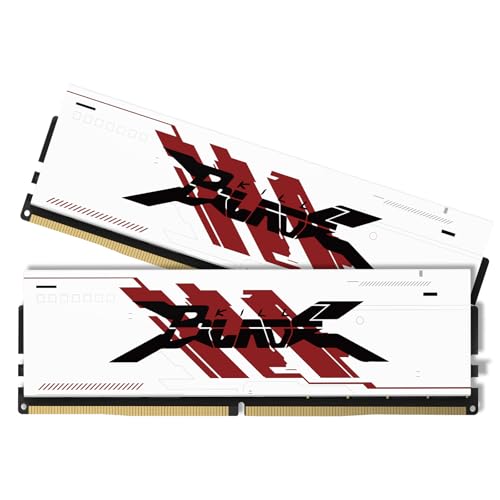
$94.98List Price $139.99Checked
Buy on Amazon
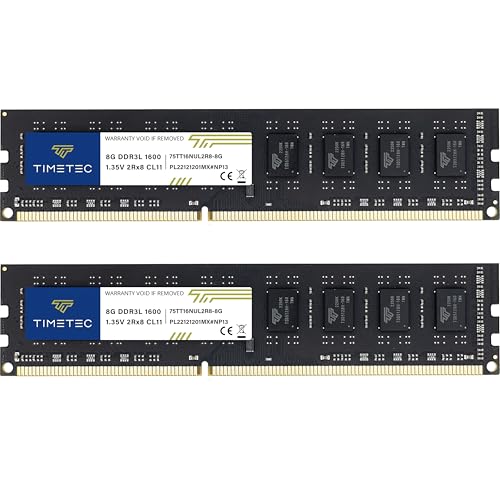
$259.99List Price $319.99Checked
Buy on Amazon
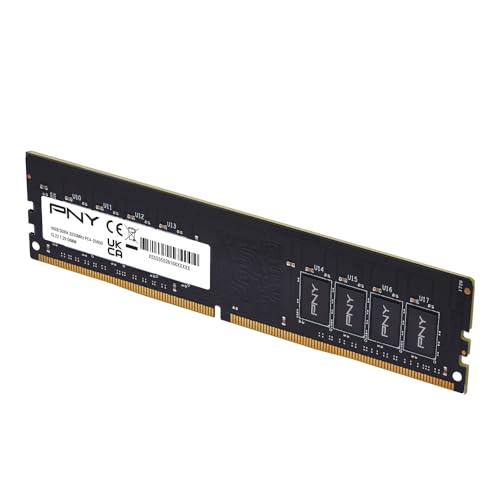
$186.99List Price $219.99Checked
Buy on Amazon

Regular listings

Product and offerAmazon price
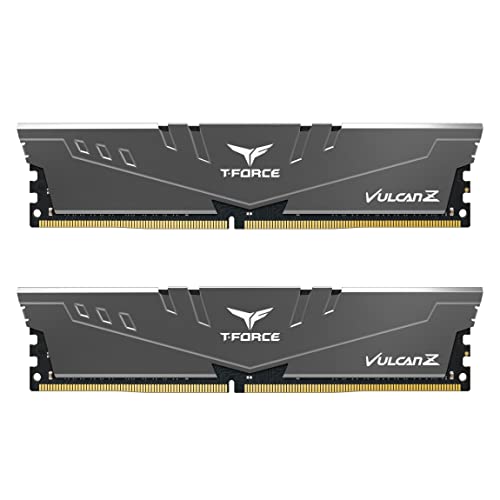
$37.99Checked
Buy on Amazon
$109.99List Price $149.99Checked
Buy on Amazon
$116.99Typical price $129.99Checked
Buy on Amazon
$116.99Typical price $129.99Checked
Buy on Amazon
$124.99List Price $134.99Checked
Buy on Amazon
$193.99Checked
Buy on Amazon
$198.99Checked
Buy on Amazon
$239.92Typical price $254.67Checked
Buy on Amazon
$249.99Checked
Buy on Amazon
$469.99Checked
Buy on Amazon
$474.99Checked
Buy on Amazon
$479.99Checked
Buy on Amazon
$479.99Checked
Buy on Amazon
$519.99List Price $625.99Checked
Buy on Amazon
$539.99Checked
Buy on Amazon
$568.99Checked
Buy on Amazon
$579.99List Price $639.99Checked
Buy on Amazon
$999.99Checked
Buy on Amazon

Buying guide

Adding or upgrading desktop RAM is one of the most effective ways to boost PC performance. On Cyber Monday 2026, it’s essential to carefully match Amazon RAM listings to your system’s supported memory type, speed, and maximum capacity before completing a purchase.

Identifying the Correct RAM Type

Before buying, confirm whether your desktop uses DDR4 or DDR5 modules by checking your motherboard’s documentation or existing RAM. Amazon listings should display the RAM generation in the title or bullet points. For example, “Corsair Vengeance LPX 32GB DDR4-3200” has different compatibility and physical notch placement than a DDR5 module.

Check the number of available memory slots and the maximum supported size per slot in your motherboard’s manual. For systems with two slots, adding two identical sticks maximizes dual-channel speed. If you only have one slot left, consider matching the existing stick’s speed and voltage exactly to avoid instability or performance issues.

Verifying Speed, CAS Latency, and Voltage

Pay close attention to memory speed (measured in MT/s, such as 3200 MT/s), timing (typically expressed as CL16 or CAS 16) and voltage (such as 1.2V). Compare these figures in both the Amazon listing and in your motherboard documentation for compatibility. Higher speed and lower latency generally benefit gaming and heavy multitasking, but mismatches can cause boot failures.

If the Amazon listing includes XMP (Extreme Memory Profile) support, check that your motherboard and CPU can use this feature. XMP enables easy overclocking within safe parameters, but only functions on supported platforms. For non-overclocking motherboards, stick to the officially listed compatible speeds and timings.

Comparing Price Per GB and Delivery Options

For Cyber Monday, compare offers by calculating the advertised price per GB for the same memory type and condition. Packs with two or four sticks can cost less per GB than single modules but may not fit all systems due to slot limits. Verify if the listed product is for one stick, a dual-channel kit, or a multi-pack before buying.

Scrutinize the checkout total on Amazon, including tax and shipping, as prices can swing sharply with flash deals or local inventory changes. Compare all-in costs with similar listings from the weekend for the exact SKU and capacity. Make note of the return window and whether open-package returns are accepted for memory.

After Buying: Testing and Expanding RAM

After installing new RAM, run a thorough memory test using tools like MemTest86 to check for errors or compatibility problems. Document the motherboard BIOS version, as some models require updates to support new RAM types. Review task manager or system information utilities to confirm all installed memory is recognized at the correct speed.

If your preferred RAM offer expires, save the SKU and capacity in a tracking file. Revisit the Amazon listing after the event for possible restock or renewed offers. Document what speed and kit size worked for your system, as proven upgrades inform future purchases and troubleshooting efforts.

Frequently asked questions

Is mixing different RAM brands or speeds safe?

Mixing brands or speeds often works, but the system will default to the slower speed and highest latency. For best performance and stability, use identical sticks from the same kit whenever possible.

What should I do if new RAM is not recognized?

Check if all modules are properly seated and supported by your motherboard. Update the BIOS and consult both the board’s QVL list and the RAM manufacturer’s support guides for potential compatibility fixes.

Related category guides

Browse all Cyber Monday categories