6 TB hard drives Black Friday Deals 2026
Amazon US · USDAmazon sale dates · Nov 19–30, 2026
Amazon Black Friday deals
As an Amazon Associate we earn from qualifying purchases. Prices and availability are accurate as of the time indicated and may change. The price and availability displayed on Amazon at the time of purchase apply.
Amazon hasn’t reported a Black Friday deal for these listings. Check Amazon
Regular listings
| Product and offer | Amazon price |
|---|---|
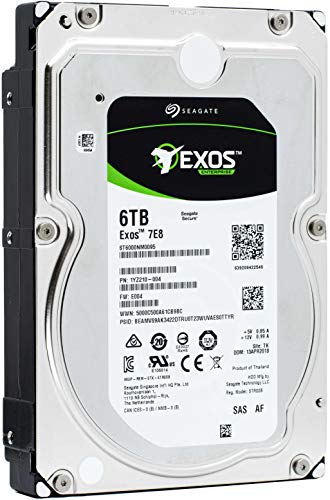
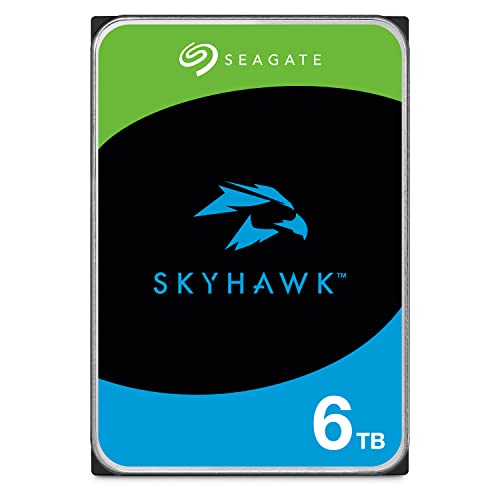
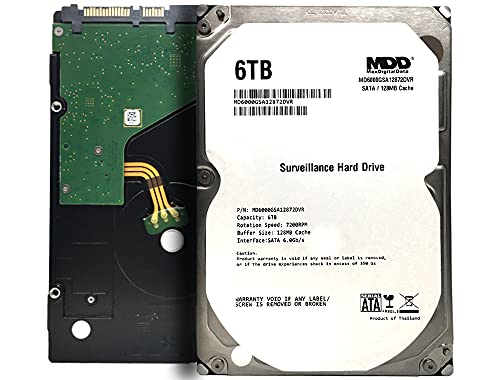
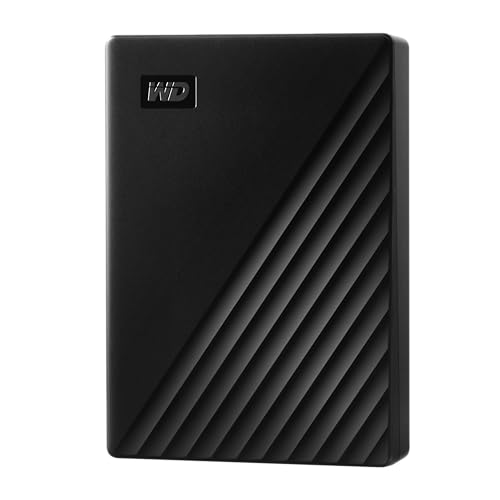
$135.89New Price Buy on Amazon | |
$139.89New Price Buy on Amazon | |
$166.88New Price Buy on Amazon | |
$169.00$28.17/TBChecked Buy on Amazon | |
$179.50$29.92/TBChecked Buy on Amazon | |
$189.90List Price Buy on Amazon | |
$189.99$31.67/TBChecked Buy on Amazon | |
$189.99$31.67/TBChecked Buy on Amazon | |
$199.99$33.33/TBChecked Buy on Amazon | |
$199.99Typical price Buy on Amazon | |
$209.99$35.00/TBChecked Buy on Amazon | |
$241.27Typical price Buy on Amazon | |
$266.49List Price Buy on Amazon | |
$284.99Typical price Buy on Amazon | |
$334.00$55.67/TBChecked Buy on Amazon | |
$377.27$62.88/TBChecked Buy on Amazon |








Frequently asked questions
Will a 6 TB hard drive work in my existing NAS or desktop?
Check your NAS or desktop documentation for maximum supported drive size, required interface, and recommended recording technology. Confirm the 6 TB model fits your system’s requirements before purchasing.
Should I choose CMR or SMR for a 6 TB hard drive?
CMR is better for write-intensive, transactional or RAID workloads. SMR offers higher density at lower costs but may slow down in sustained write scenarios. Always verify the recording type in the official product specifications.
Related Black Friday guides
Hard drives
- Hard drives
- High-capacity hard drives
- Enterprise hard drives
- Refurbished enterprise hard drives
- NAS hard drives
- Surveillance hard drives
- External hard drives
- SAS hard drives
- 2.5-inch SAS hard drives
- SATA hard drives
- 8 TB hard drives
- 10 TB hard drives
- 12 TB hard drives
- 14 TB hard drives
- 16 TB hard drives
- 18 TB hard drives
- 20 TB hard drives
- 22 TB hard drives
- 24 TB hard drives
- 26 TB hard drives
- 28 TB hard drives
- Seagate Exos
- Seagate Exos X18
- Seagate Exos X20
- Seagate Exos X24
- Seagate IronWolf
- Seagate IronWolf Pro
- Toshiba MG
- Toshiba N300
- WD Gold
- WD Red
- WD Red Plus
- WD Red Pro
- WD Ultrastar
- WD Ultrastar HC550
- WD Ultrastar HC560